Signed, without a printer
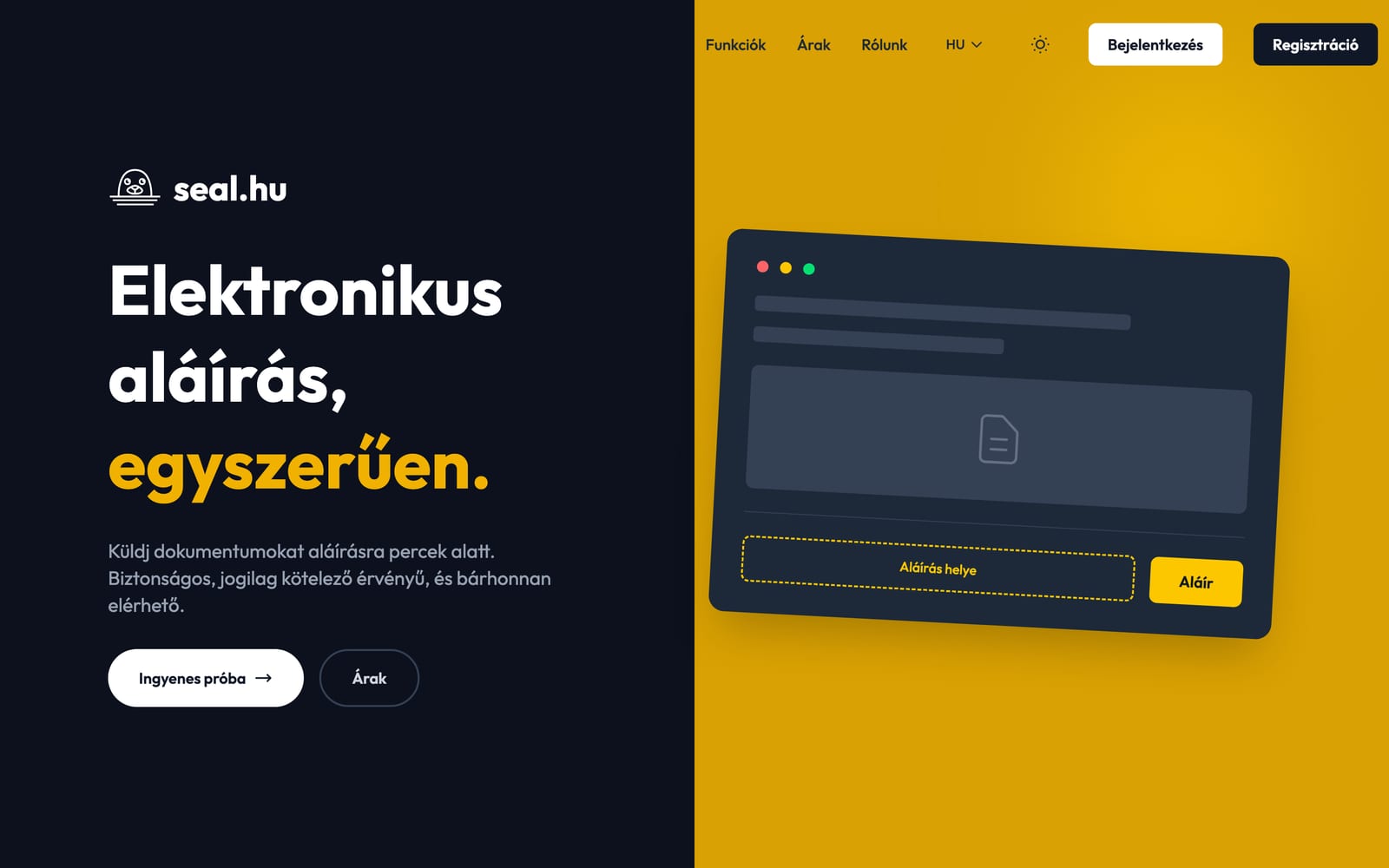
seal.hu is our own e-signature platform for Hungarian businesses. You upload the contract, mark where it needs signing, and signers sign in a few clicks without registering. We started it in February under the working name SignFlow; today it runs live, with paying subscriptions.
Free for up to 3 documents a month; paid plans start at 2,490 HUF a month.
0
registrations needed for signers
6-digit
email code before every signature
8 languages
for the notification emails
PAdES-LTA
seal on the final PDF, verifiable for years
How it started
In Hungarian small businesses a contract still goes like this: print it, sign it, scan it, send it, and wait for the other side to do the same. The big international signing platforms weren’t built for this audience, and the government’s DÁP eAláírás is for private individuals, not companies.
So we started in February, under the working name SignFlow. More than a hundred commits went in during the first month, and the basics came together fast. The real work came after: making Adobe see the final PDF as flawless, keeping a signature verifiable years later, and making the whole thing work in Hungarian, in forints, for small businesses.
This is our own product, and it’s probably where we learned the most about how many small details it takes for something not just to work, but to be trusted.
The life of a contract
From upload to a sealed PDF, in five steps.
Upload
PDF or Word: DOCX files are converted to PDF automatically.
Fields
Signature, initials, date, text or checkbox — wherever needed, for any number of signers, plus recipients who get a copy.
Send
Every signer gets their own unique link by email. No account, no registration.
Sign
The signer fills in the fields, confirms with a code sent by email, and signs. If the sender asks for it, they also photograph their ID card.
Sealed PDF
Once everyone has signed, the system assembles the final document with a certificate page, seals it with a digital seal, and sends it to everyone.

We seal the deal.
The seal in the logo isn’t an accident: in English a seal is both the animal and the stamp.
What does it mean legally?
It’s easy to overpromise with e-signatures. We’d rather be precise.
The signer’s side
Signers sign with a simple electronic signature (SES) under the eIDAS regulation, backed by an email code, a log with IP addresses and timestamps, and an ID photo when required.
The final document
The final PDF is sealed with a PAdES-standard digital seal. If anyone changes a single byte afterwards, the PDF reader flags it.
Verifiable years later
The seal is PAdES-LTA: the certificate chain, revocation data and an archive timestamp are all embedded in the file. On paid plans the timestamp comes from a qualified provider, Microsec e-Szignó.
What we don’t claim
seal.hu does not provide qualified electronic signatures (QES). Where the law explicitly requires one, you need a qualified signature — our terms say so too.
Data in the EU
Documents live in private storage in a Frankfurt data centre, separated per company. Signers only see the PDF through a signed link that expires after an hour.
Locked doors
Passkey sign-in, Cloudflare Turnstile on sign-up, sign-in and signing, and a limited number of code attempts.
Under the hood
The real work of a signing platform happens where users see nothing — except that their PDF is fine.
PAdES-LTA without a signing library
The timestamp client, revocation checks, certificate chain discovery and embedding of validation data are all our own code. The crypto library couldn’t parse the Hungarian timestamp provider’s chain, so we wrote our own reader for it.
Adobe’s “corrupted file” bug
Acrobat flagged some PDFs — Pages exports, for example — as corrupted after signing, even though the cryptography was valid. Bisecting led us to gaps in the object numbering; today a normalising step fixes the file before signing.
It keeps other signatures intact
If an uploaded PDF was already signed elsewhere, for example with e-Szignó, seal writes its changes as incremental updates, so the earlier signature stays valid.
From 406 ms to 1.2 ms
An unanchored regular expression ate 406 ms of CPU on a 1 MB PDF and killed the cloud function. One anchor later it took 1.2 ms.
Built for teams
Team roles and invites, templates, contacts with custom fields, and automatic AI categorisation of documents.
Connected everywhere
REST API, signed webhooks, HubSpot, Salesforce and Slack integrations, and a visual workflow editor.
Frontend
- Nuxt 4
- Vue 3
- TypeScript
- Tailwind CSS v4
Backend
- Supabase (Postgres 17)
- Deno Edge Functions
- Nitro server routes
PDF and signing
- pdf.js
- pdf-lib
- node-forge
- PAdES-LTA
Delivery
- Cloudflare Pages
- Cloudflare Workers cron
- Brevo
- Stripe
What we take away
For a signing platform, trust isn’t one feature among many — it is the product. That’s why we write down what it can’t do, and why we spent so much time on bugs users never see.
Got a process that still runs on paper?
A contract, an approval, an internal form or anything you print, sign and scan today — tell us about it and we’ll show you how it could work online. The first conversation is free.